
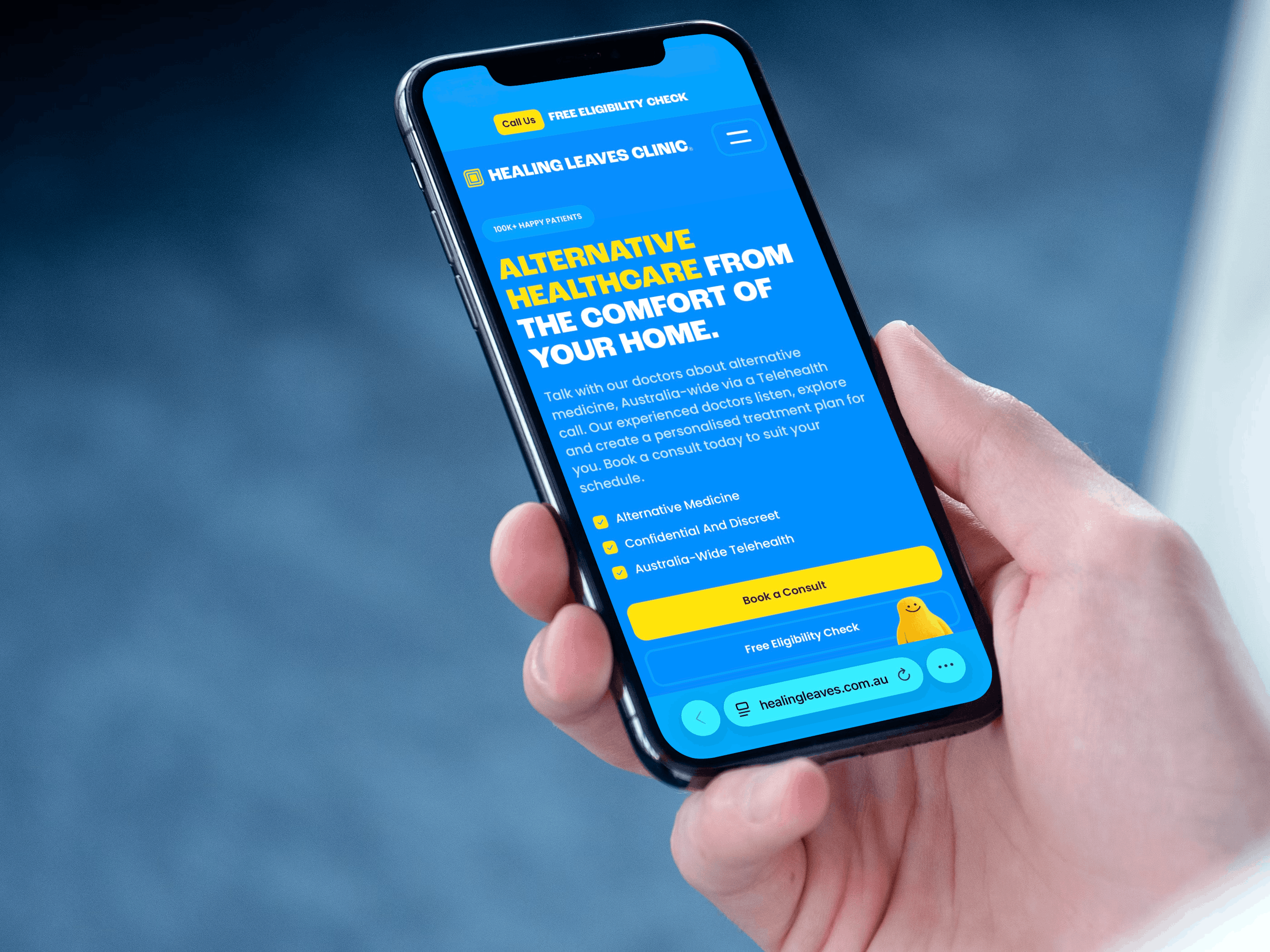
Booking an appointment with Healing Leaves Clinic is quick and simple using our new online booking system. Follow the steps below to secure your consultation.
The booking process
Step 1: Go to the Consults Page
Start by navigating to the consults page:
http://healingleaves.com.au/consults
Here you’ll see the available consultation options.
Step 2: Choose Your Consultation Type
Select the consultation type that best suits your needs.
If you are a new patient, simply choose Standard Consult to get started.
Step 3: Select Your Date and Enter Your Details
On the booking page, choose a date and time that works for you.
You will also need to provide your contact details:
- Name
- Mobile number
- Date of birth
Please make sure these details are accurate and free of spelling mistakes, as incorrect information may cause issues with your appointment later on.
Step 4: Pay and Confirm Your Booking
Once your details are entered, proceed to payment to confirm your appointment.
After payment is completed, your consultation will be successfully booked.
Step 5: Complete the Onboarding Form
After booking, you’ll be taken to a confirmation page.
Click “Complete Onboarding Form” and complete the required information.
Every patient must complete this form at least once, even if you have previously been a patient with the clinic, as this is a new booking system.
Step 6: You’re Ready for Your Appointment
Once the onboarding form is submitted, you’re all set for your appointment.
Our team will have everything they need to prepare for your consultation.
Summary
To book with Healing Leaves Clinic, simply visit the consults page, choose your consultation type, select a time, enter your details, and complete payment. After booking, finish the onboarding form and you’ll be ready for your appointment.